No Photo Mechanic for iPhone? Cull, caption and file from your phone
Photo Mechanic is the desk standard for ingesting, culling and captioning, and it runs on a Mac or a Windows PC. There's no iPhone version. So on the days the laptop stays home, here's how the same workflow runs on the phone, step for step.
Camera Bits makes Photo Mechanic for macOS and Windows only. On an iPhone, Dispatches covers the same filing loop: ingest every frame or filter by in-camera rating or flag, cull with stars, flags and colour labels, stamp IPTC from saved presets, and upload to FTP. Think of it as Photo Mechanic at the desk, Dispatches when the laptop stays home.
Your Photo Mechanic habits, on the phone
If Photo Mechanic is how you work at the desk, this is roughly where each habit lives in Dispatches:
| At the desk (Photo Mechanic) | On the iPhone (Dispatches) |
|---|---|
| Ingest from the card | Import from the card reader, filtered by star rating, flag, file type and more before anything copies |
| Contact sheet | The event grid: pinch to resize, filter by rating or flag |
| Preview, zoom to check focus | Full-screen view with zoom that carries to the next frame, and a 1:1 loupe on press-and-hold |
| Ratings, tags, colour classes | Stars (drag to scrub 0–5), flags and colour labels; delivery tags for Wire, Social and Client |
| IPTC template / stationery | Saved metadata presets with your byline, credit, copyright and contact |
| Captioning the take | One brief for the event, drafted into headline, caption, keywords and location, plus a per-frame caption prefix |
| Upload to FTP | Destinations plus a saved workflow: resize, apply preset, send to one or several servers |
Ingest: filter the card before anything copies
Rate in camera as you shoot. Then plug the card reader into the iPhone and import everything, or filter the import first, to three stars and up or flagged frames, say, so the phone doesn't fill with frames you already rejected. RAW+JPEG pairs stay together, or you choose RAW only or JPEG only. Import from the card (or Files) rather than the iPhone's photo library: the library drops the camera's star ratings.
Dispatches groups the frames into events by time and place, and can match them to your calendar, so a two-job day sorts itself. Importing, step by step.
Cull: one-thumb speed
The event opens as a grid. Double-tap to go full screen, pinch to zoom, then swipe: the zoom level and position carry to the next frame, so you can compare a burst at the same magnification. Press and hold for a loupe to check an eye at 1:1. Drag across the stars to rate, tap to flag or colour-label, and tag each frame for where it's going. Long-press for batch actions, including copying a caption or an edit onto other frames. Culling, step by step.

Caption: presets plus one brief
Your IPTC template becomes a metadata preset: byline, credit, copyright and contact, saved once, and as many presets as you have clients. The shared caption comes from a brief: describe the job in a sentence or two, typed or spoken, and Dispatches drafts the headline, caption, keywords and location for the whole event. Edit anything, apply it, then add a caption prefix on the frames that need a name or a detail. More on IPTC on iPhone and writing the caption itself.
Upload: a saved route, not a dialog
Add each FTP server once as a destination. Then build a workflow: for example "Wire-tagged frames, three stars and up: resize, apply the agency preset, send to the agency's FTP; Social-tagged frames: square JPEG, hand off to Instagram". Tap the workflow, check the preview, press send, and watch each destination fill. Failures can be sent again on their own. FTP from an iPhone, in detail.
What's different
Being honest about it, because you'll notice on day one:
- It's a phone. Culling a 2,000-frame take is quicker on a big screen with a keyboard. Dispatches is built for the take you need to file now, not the full archive edit.
- No camera Wi-Fi link. Photos come in from a card reader, Files or the photo library, not wirelessly from the camera.
- Captions start from a brief rather than from typed codes. There's no equivalent of code replacements; the brief and caption prefix do that job.
- It also edits. Exposure, contrast and more on the phone, RAW files included, before the frames go.
- Social is built in. The same send can hand the social set to Instagram, Threads, X, Facebook, Bluesky and Mastodon.
The way it's meant to be used: keep Photo Mechanic at the desk, and use Dispatches when the laptop stays home. The comparison page sets the two side by side with Lightroom.
Watch the whole loop
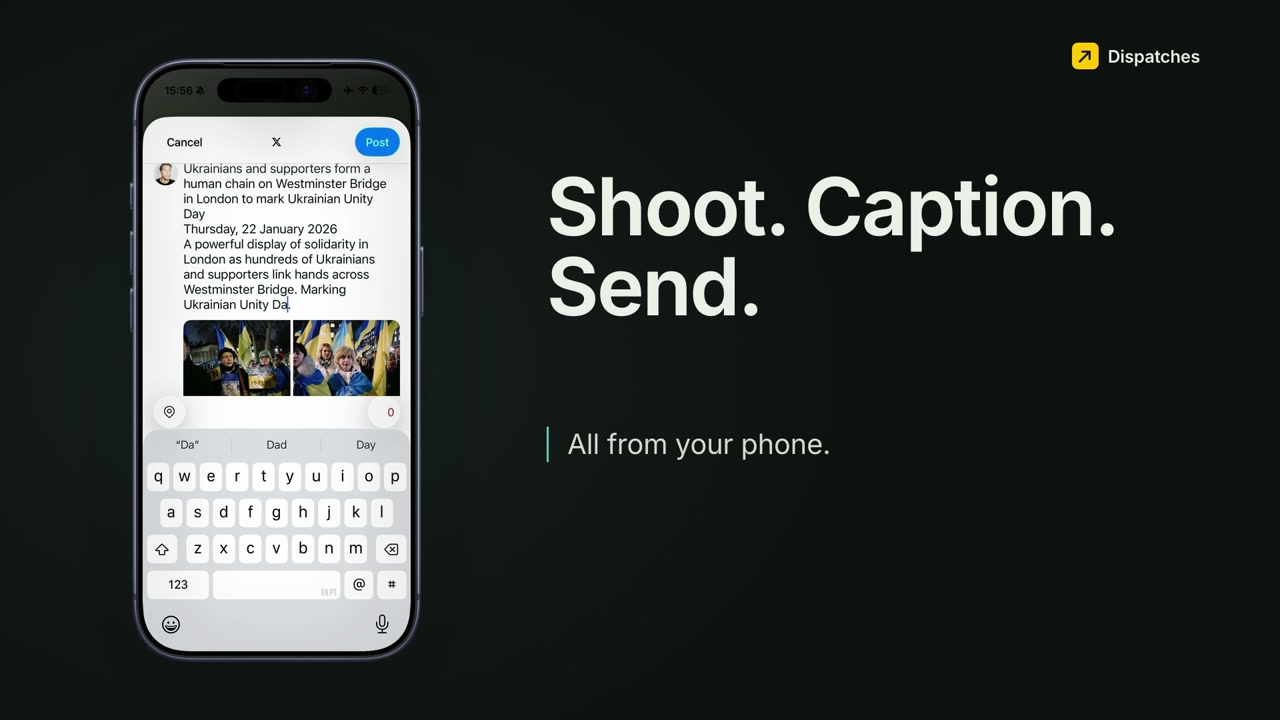 Play the walkthrough
Leave the laptop at home once
Dispatches is on the App Store for iPhone (iOS 26 or later), with a 14-day free trial.