Filing from an iPhone, explained
Practical how-tos for photographers who file on deadline: getting captioned pictures from the card to the desk, with no laptop. Each one works on its own; the step-by-step guide covers the app itself from setup to send.
Watch first
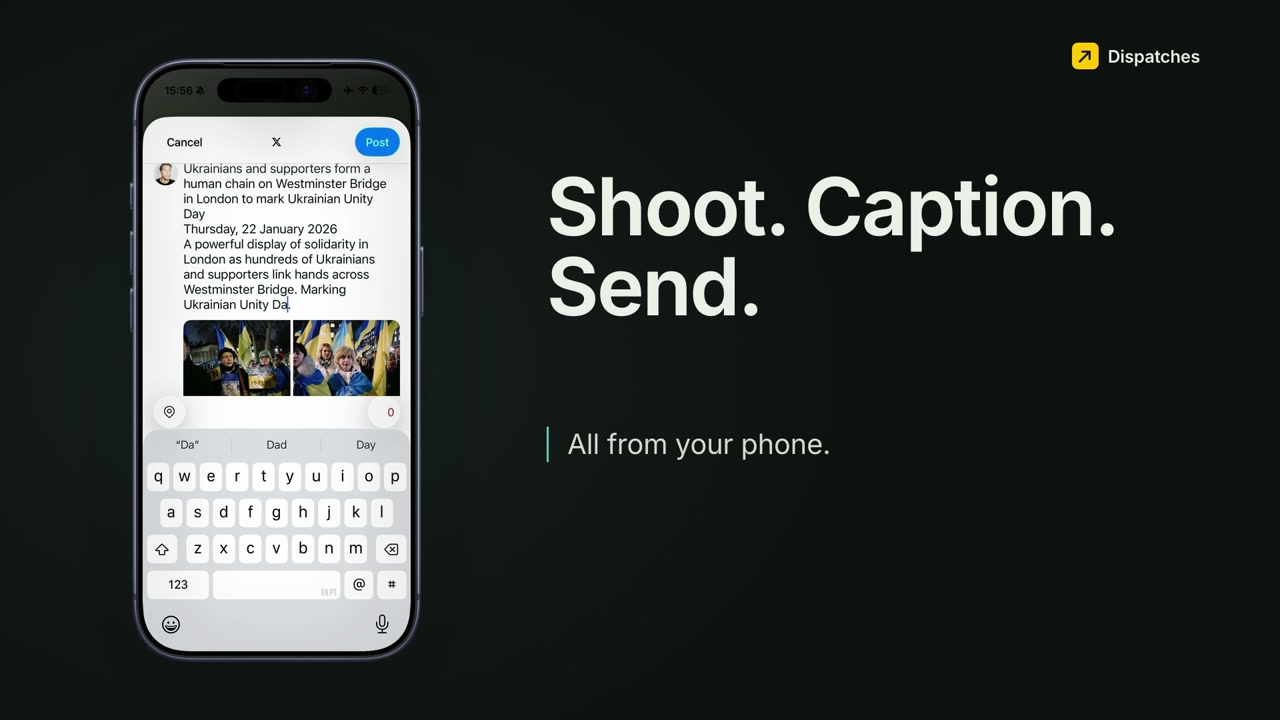 Play the walkthrough
Tutorials
- DeliveryHow to send photos to an FTP server from your iPhoneWhat you need from the agency, setting it up once, and what to do when an upload fails.
- MetadataIPTC metadata on iPhone: caption, byline and creditThe fields picture desks read, and how to write them into a whole shoot.
- CaptionsHow to write a photo captionWho, what, where, when, why, in the two-sentence structure desks expect. With examples.
- WorkflowNo Photo Mechanic for iPhone? Cull, caption and file from your phoneYour desk habits, mapped onto the phone, and what's different.
From the field
- Field notesFiling a protest from Westminster Bridge, without a laptopA real job, start to finish on an iPhone.
- ComparisonComing from Lightroom Mobile or Photo Mechanic?An honest side-by-side for filing in the field.
Try it on your next job
Dispatches is on the App Store for iPhone (iOS 26 or later), with a 14-day free trial. Questions go to [email protected], read by the person who built it.